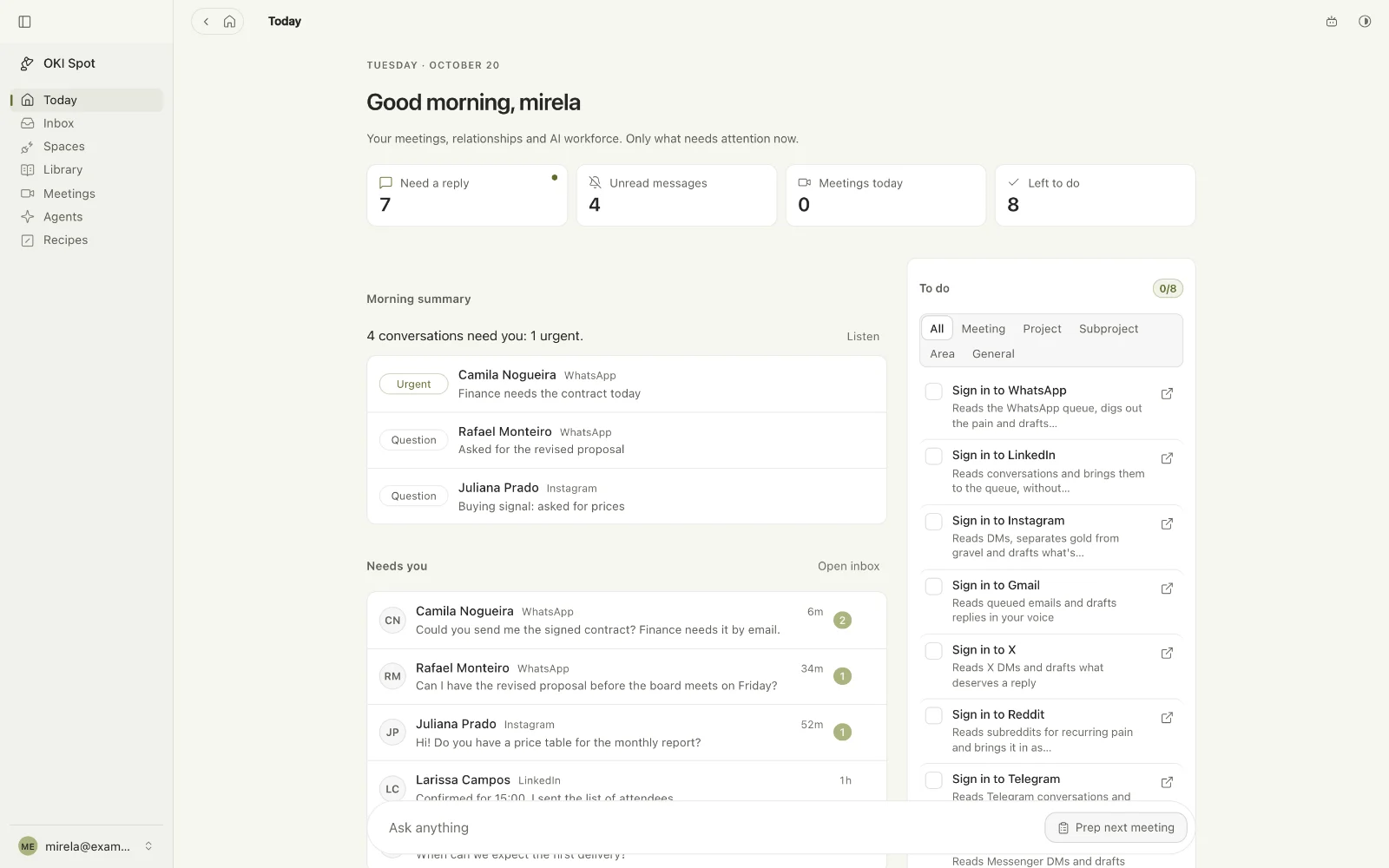
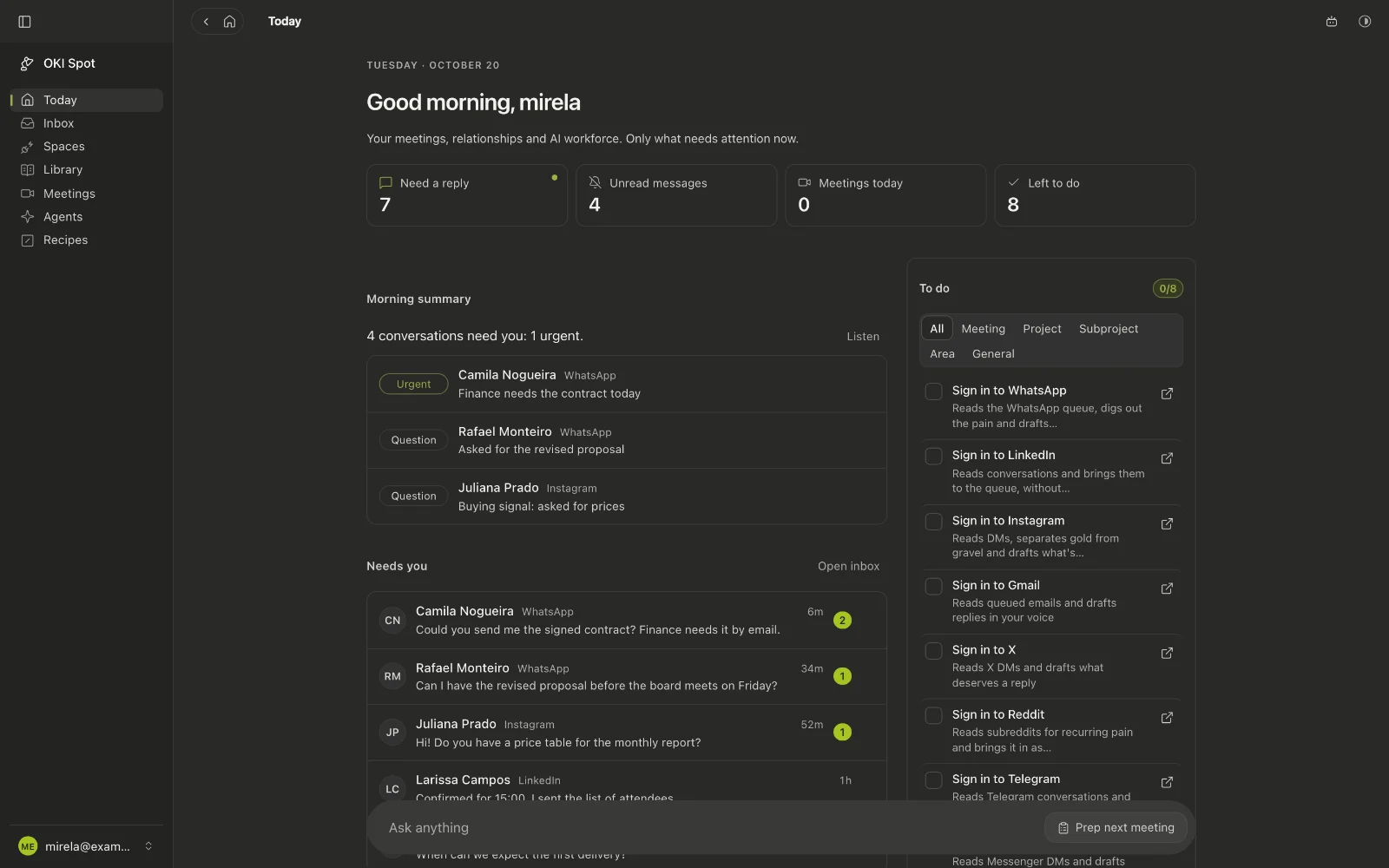
Oki Spot puts your WhatsApp, Gmail, Instagram and LinkedIn conversations in one list, lets Vena draft the reply in your tone, and listens to your meetings so the right question shows up at the right moment. It runs on your own Mac.
For Mac with Apple silicon. Fourteen days of full use from the first launch. Creating your local account takes a minute and asks for no card. Nobody joins your call.
Oki Spot
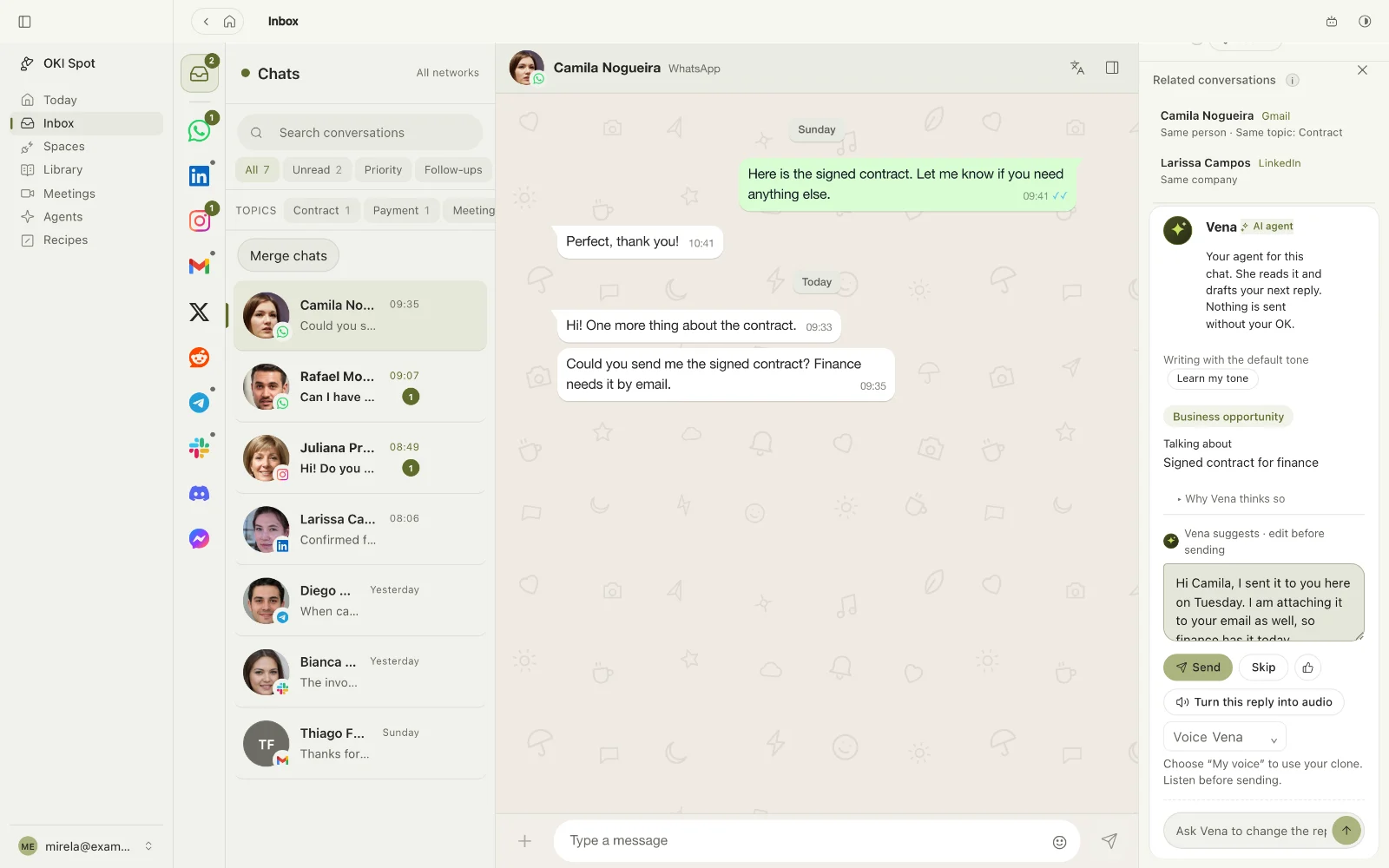
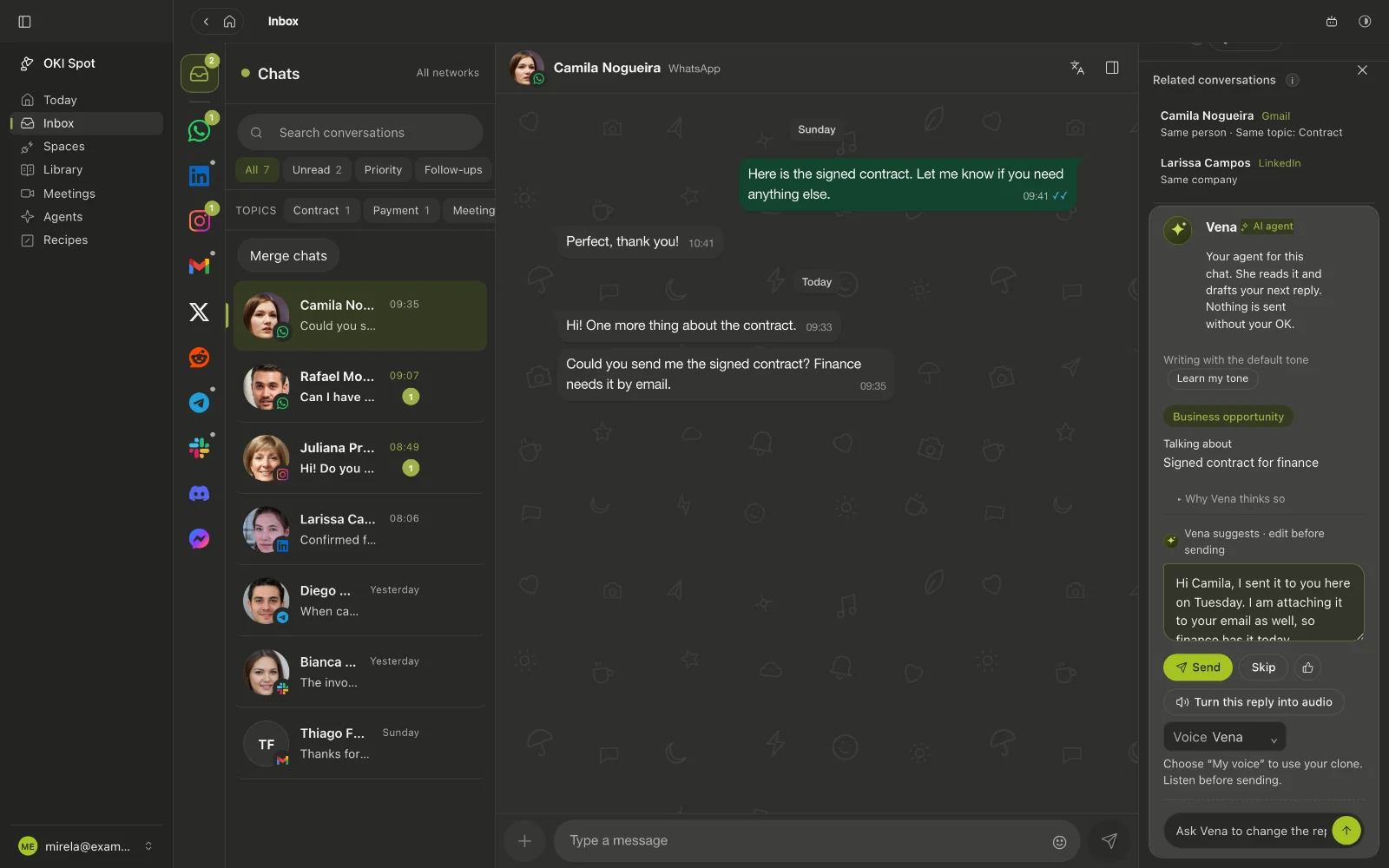
Camila asked for the signed contract by email. You sent it to her on WhatsApp on Tuesday, and both are in the same thread.
Call with Larissa Campos at 15:00. The meeting brief is ready.
Follow-up due today: send Rafael the revised proposal.
Buying signal: Juliana asked for the price table of the monthly report.
Connecting a network takes your own account and a few minutes. Each network needs its own connection, and availability depends on what the network allows.
After the call
Jot three words. Leave with the whole meeting
Write down what matters while you listen. When the call ends, Oki Spot starts from your loose words and the transcript to write the notes: how things work today, the pain behind them and the next steps, each with an owner.
Discovery call, Larissa Campos
Today2 people
How the report works today
Built by hand in a spreadsheet, every month
Three people spend almost a week on it
The pain behind it
A late report has to be explained to the judge in writing
The cost of a delay still has no number
Next steps
You: send the proposal by Friday
Larissa: share last month's report
Enhancing notes
report by hand, spreadsheet
3 people, ~1 week a month
judge if it's late??
TranscribingGenerate notesMy notesEnhanced
Beyond the screen
Your day has room for more.
Demo · Vena
ListeningWords become notesThe right question, in context
Audio becomes contextListen. Capture. Find the next question.
A conversation worth being present for.
Demo · Vena
One person. One thread.Draft ready for your review
Every channel, one conversationFrom a customer message to a reply in your tone.
Your business moves. Your inbox keeps up.
Demo · Vena
Decision capturedNext step organizedFollow-up ready to review
Turn decisions into next stepsKeep the decision, the owner and the follow-up together.
Good conversations deserve a next step.
Vena, the assistant inside Oki Spot
She reads the thread and drafts the reply you would write
Vena reads the conversation, the person's record and the notes of the project, then writes the next reply in your tone. When a client asks for a file you keep in the Library, she attaches it to the draft. By default nothing leaves without your approval.
OffDraft onlyAutopilot
You choose the mode per conversation. A draft that promises a price, a date or a deadline is flagged, and Autopilot does not send it.
Juliana Prado Hi! I am interested in the monthly report service. Do you have a price table you can send me?
VenaJuliana is asking about pricing. Your 2026 price table is in the Library, so I drafted a reply with it attached.price-table-2026.pdf
Voice
Ask out loud, in the middle of anything
The ask field has a microphone. What you say is transcribed and sent as the question, and in the Agents panel, Read replies aloud turns each answer into speech.
Ask during a call without taking your attention off the other person.
Answer a voice note with a voice note in your own cloned voice, sent only after you listen and approve.
Speak Portuguese and let the other side hear English, French, Spanish or Japanese through a virtual microphone.
Reading the reply aloud
Inbox
One list that knows who is waiting
The conversations are ordered by what they need from you, and the person comes before the app they wrote from.
Today
Every inbox in one list
WhatsApp, Gmail, Instagram, LinkedIn and more in a single list, with several accounts per network.
One person, every network
Link Camila on WhatsApp to Camila on Gmail and her messages become one thread, with the history of both.
3Need a reply2Meetings today
Your day, in order
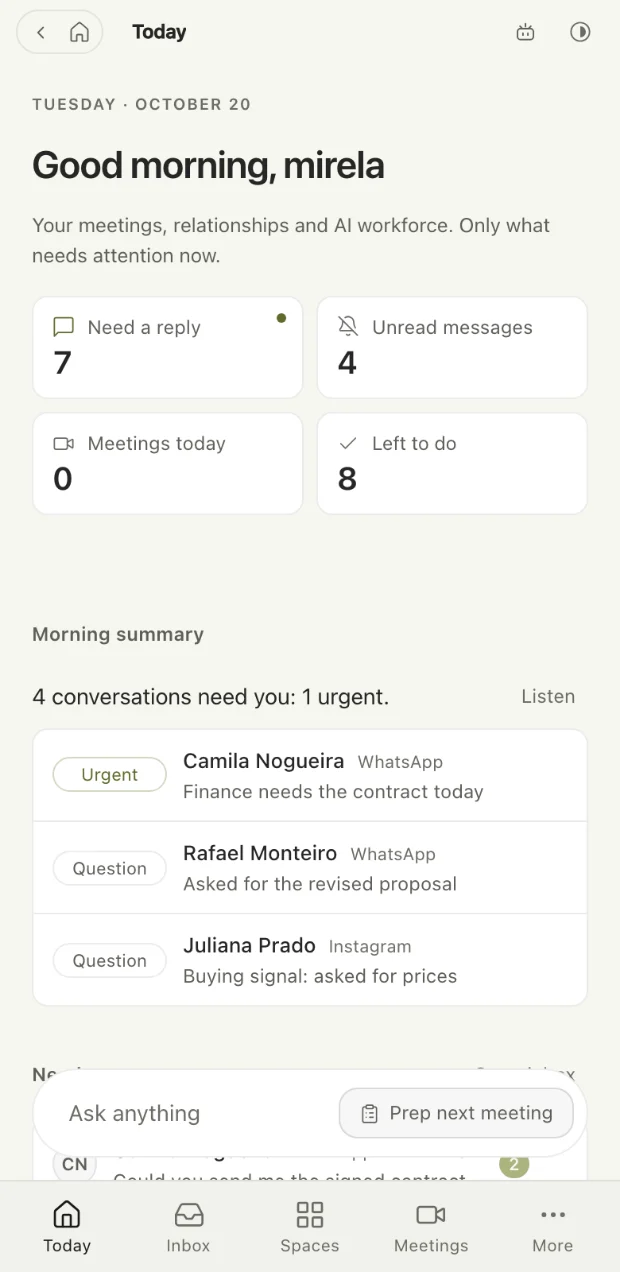
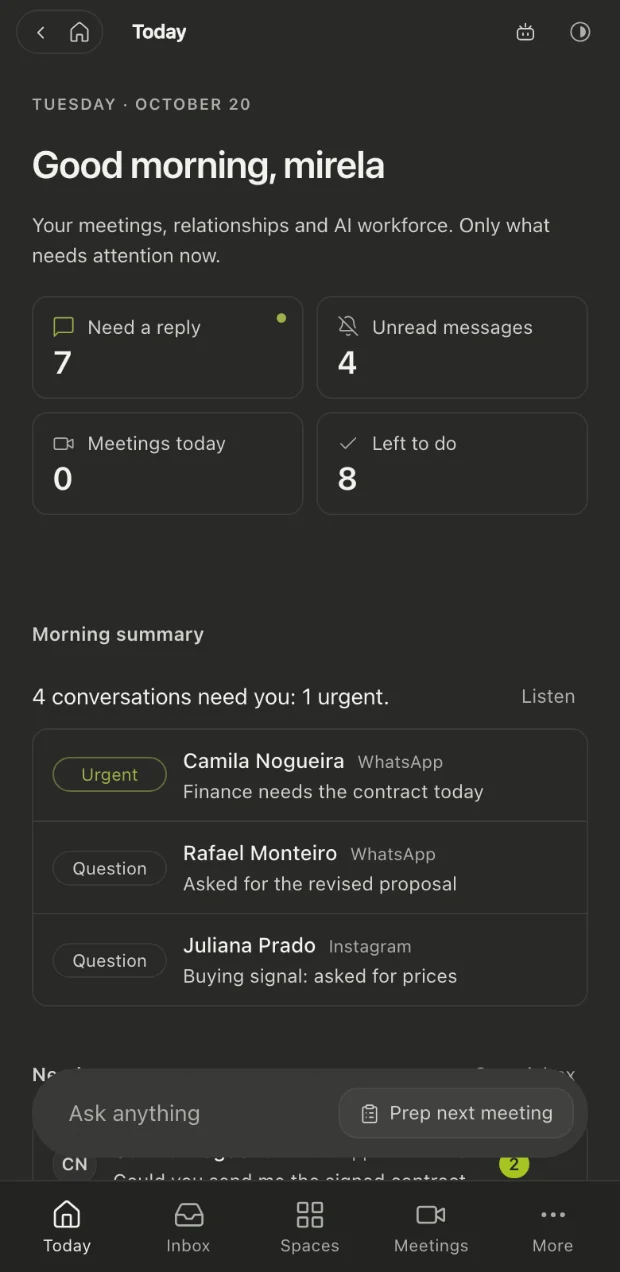
Today opens with who needs a reply, unread messages, meetings and what is left to do. Each number opens the place where it gets resolved.
Buying signal: asked for the price table
Priority with a reason
The Priority filter orders conversations by written reasons, such as a buying signal or a client going quiet compared with their own rhythm. There is no hidden score.
Replies in your tone
Vena learns from what you have already written and from the drafts you approve, so the reply sounds like you and not like a template.
⌘K⌘F
Find anyone from one field
Search names, numbers and the latest message across every network. ⌘K jumps to any screen, and ⌘F searches the one you are on.
ProposalsOnboarding
Labels and filters across networks
Create a label once and use it on WhatsApp, Gmail and LinkedIn conversations alike. Filter by label, account, unread or priority.
Friday, send the proposal
Follow-ups on the person
Set the next step on the person, not on the message, with a date, a reason and a channel, so it does not get lost.
15:00, Larissa Campos
A brief before each meeting
Before a call, a private guide with the goal, the questions that open each topic and an opening line for when the other person starts guarded.
Meeting copilot
Quiet for the whole meeting, except at the moment that decides it
During the call it listens to both sides and suggests the next question while it still matters. A floating bar stays above your call and does not appear when you share your screen. Afterwards it files the summary, the pains and the follow-ups.
No extra participant joins: audio is captured from your own computer.
The transcript is written to your disk while the meeting happens.
Four modes: Meeting, Interview, Simulation and Teacher.
Larissa Campos17:26PauseEnd call
Them00:12Right now we put the monthly report together by hand.
You00:26By hand as in a spreadsheet, or copying from another system?
Them00:38A spreadsheet. Three people, almost a week every month.
You00:51And who holds you to that report?
Them01:04The judge. If it's late, we have to explain in writing.
Ask next
When was the last time this report was late, and what happened next?
She mentioned the judge and the written explanation. The cost of a delay still has no number.
UseTranscriptDismiss
Privacy
Your clients' conversations stay yours
The database is a folder on your Mac. Transcription runs on your Mac and no extra participant joins the call. When the assistant needs to think, it uses the model you chose; turn on Private on this Mac and every function is limited to local models, with the outside doors closed.
A local account
One key, one computer. The only account is a local one on your Mac, and no server has to recognize you before the app opens.
Recording asks for FileVault
Starting a recording requires FileVault, the disk encryption built into macOS, so a lost laptop does not expose a client's call.
Delete a person in one action
Everything stored about a person can be deleted in one action. The privacy texts and the deletion were designed for LGPD.
Pricing
Your plan, your rhythm
Choose monthly, quarterly, semiannual or annual billing. No charge per minute: transcription runs on your own Mac. People in the beta keep using it for free. The final amount may vary with the exchange rate.
One machine
US$ 14.76 per month
One key for one Mac, with every feature included.
WhatsApp, Gmail, Instagram and LinkedIn in one list
Vena drafts replies in your tone
Transcription on your Mac, no charge per minute
Fourteen days of full use before you pay
Team, from three machines
US$ 11.44 per machine, per month
The same license, one key per person and a single invoice for the whole team.
A normal inbox sorts by the latest message, so whoever wrote last wins. Oki Spot keeps one thread per person across networks, shows what needs you first, drafts the reply in your tone and also follows your meetings, in the same app.
How does it decide what comes first?
Today lists the conversations where the other person spoke last. The Priority filter adds written reasons: decisive information still without a reply, a buying signal, one field left to close, something you owe, and a conversation going cold compared with that person's own reply rhythm. Each reason is shown as a sentence, so you can disagree with it.
How do automatic replies work?
Each conversation has a mode: Off, Draft only or Autopilot. In Draft only, Vena writes and you send, edit or ask for another direction. Autopilot is turned on only for the chats you choose, and it will not send a draft that promises a price, a date or a deadline. Voice notes always wait for you to listen and approve.
Can I still reply from WhatsApp or Gmail directly?
Yes. Oki Spot connects to each network with your own account, so a message sent from it leaves from that account and arrives as an ordinary message. You can keep using each network's own app at the same time.
Is my data private?
Conversations, transcripts and notes are files in a folder on your Mac. Transcription runs locally, recording requires FileVault, and Private on this Mac limits every function to local models. When the assistant needs to think, it uses the model you chose in Settings.
Does anyone join my calls?
No. Oki Spot captures audio from your own computer, so nobody new appears in the participant list. Telling the other side that you are recording stays your decision, in your own words.
The Mac beta is ready to download
It runs on macOS 14.4 or later, on a Mac with Apple silicon (M1 or newer). Until the signed version is published, the first launch takes one extra step in System Settings, explained on the download page. After that, new versions install themselves.